Find the chords. Drag them into Logic.
Cosmic Chords is a MIDI FX plugin for Logic Pro. Pick a key, audition chords through your own instrument, build a progression, and drag it into your track as a MIDI region.
Free. Version 1.1, 4.9 MB. Audio Unit for Logic Pro on macOS 11 or later, Apple Silicon and Intel.
Hear a few from the library
Six of the 220 progressions, voiced the way Cosmic Chords voices them. The first three come from the Cosmic Pack and play their top line too. Your browser uses a simple synth; in Logic you hear your own instrument.
How it works
-
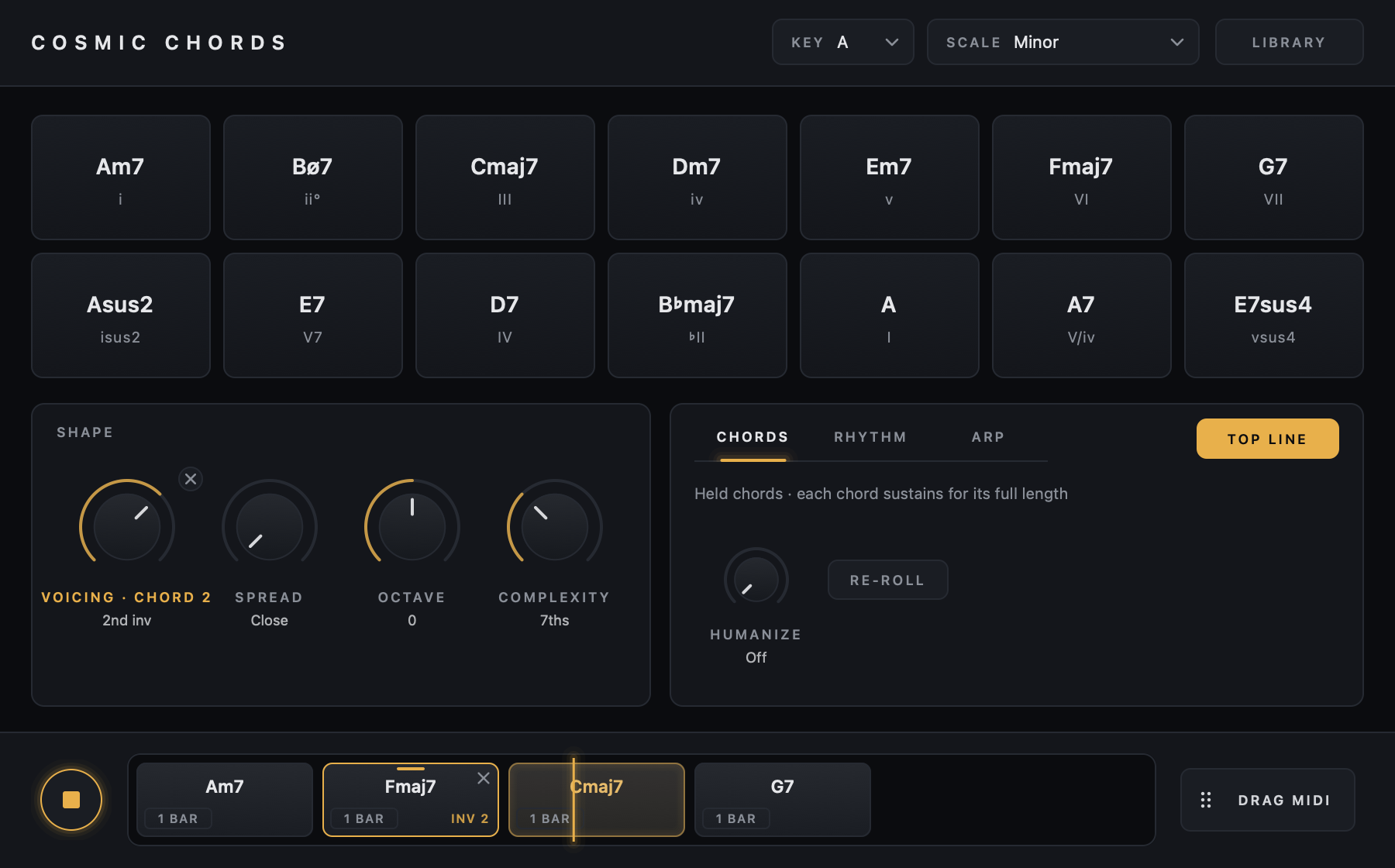
Pick a key and listen
Choose a root and a scale. The top row shows the chords of the key, the bottom row adds sus, borrowed and secondary-dominant colour. Click a pad to hear it through the instrument on your track.
-
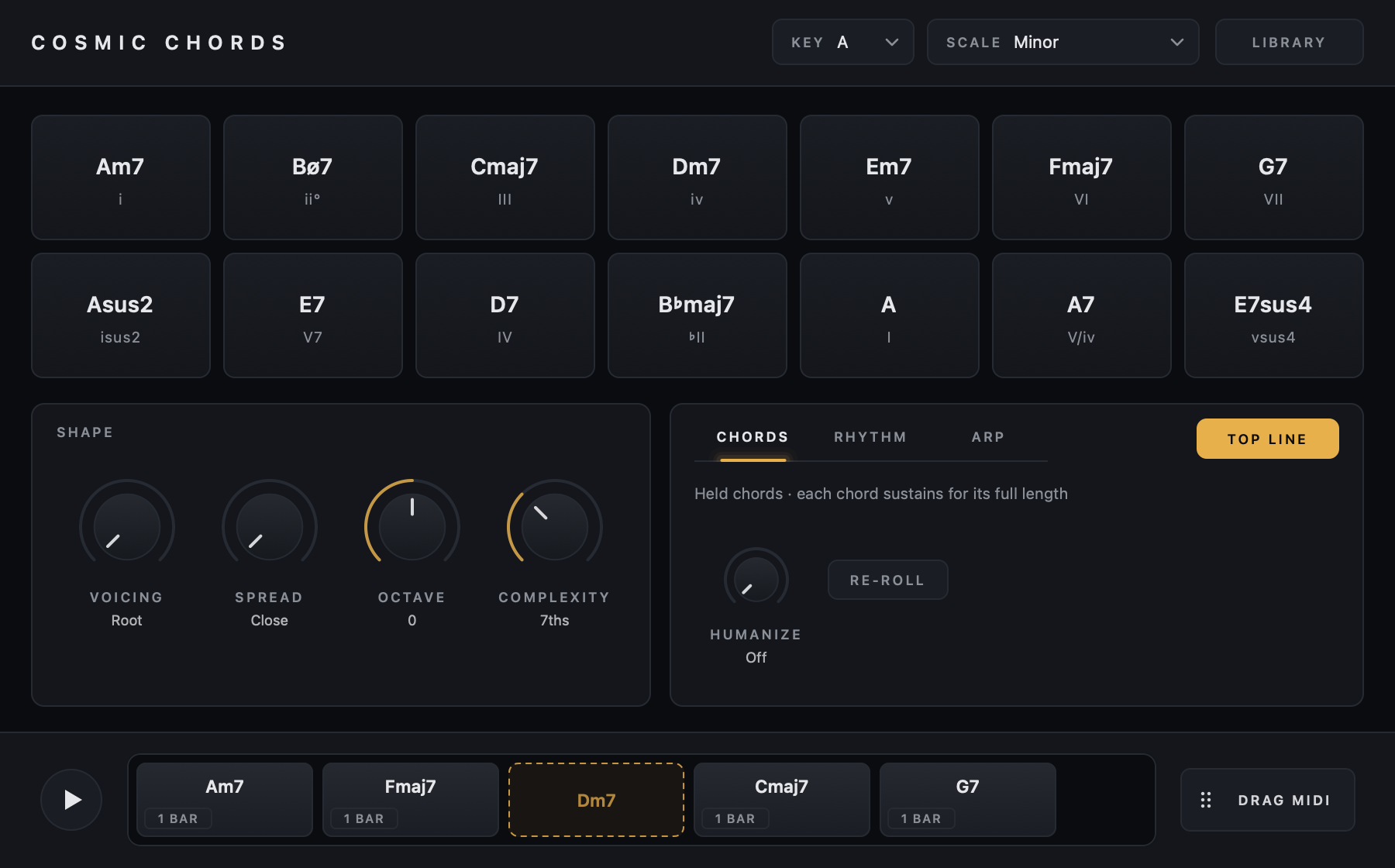
Drag chords into the strip
Drag a pad down to the strip. A placeholder opens where the chord will land and the others slide aside. Each chord can be half a bar, one bar or two bars long; drag slots sideways to reorder.
-
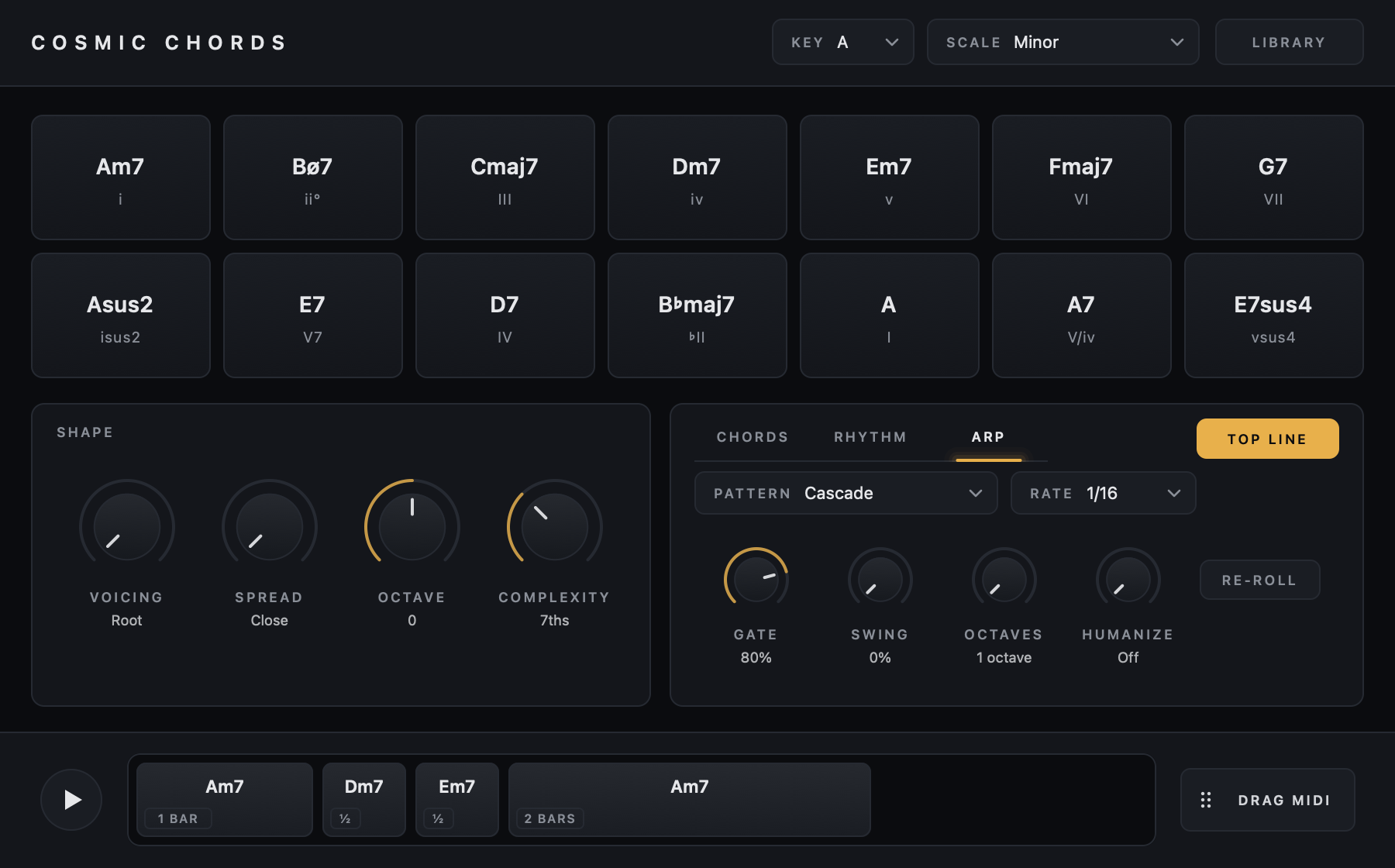
Choose how it plays
Hold the chords, play them in a rhythm, or arpeggiate them. Gate, swing, octave range and humanize shape the feel. Press play to loop the progression at your project tempo.
-
Drag the MIDI into Logic
Pull the progression out with Drag MIDI, or drag a single chord straight out of the strip. You get a normal MIDI region, exactly as long as your progression, with exactly what you heard.
From a tight cluster to a wide piano spread
Spread moves the root down into the bass and opens the chord above it, in five steps. Here is Cmaj7 at every step, from middle C down.
Arpeggios that don't just run up and down
- Cascade
- Falling waves of three notes, each starting a step lower.
- Pendulum
- Swings outward from the middle of the chord and back.
- Broken Thirds
- Skips up through the chord and mirrors back down.
- Octave Leap
- Every note answered an octave higher.
- Gallop
- Long, short, short, rolling up through the notes.
- Syncopated 16ths
- A 3-3-3-3-2-2 pattern with accents, bass against the top.
- Strum
- Chords rolled like a guitar, down on one and up on three.
Rhythm mode adds Stabs, Offbeat, Pulse 8ths, Charleston and Push. Every pattern follows your project tempo.
The Cosmic Pack: progressions that come with a melody
Twenty progressions that go past the usual four chords: borrowed chords, diminished passing chords, tritone subs, Lydian and Phrygian colour, a Neapolitan or two. Each one comes with a top line, a melody written for those exact chords.
Load one from the library and the melody follows each chord. Reorder the chords and their melody moves with them. Keep Top line on to hear it and to drag it into Logic with the chords, or switch it off and write your own.
- Nebula Drift
- Orbit of Venus
- Lydian Satellites
- Event Horizon
- Starlight Bossa
- Retrograde Motion
- Red Giant Blues
- Dark Matter
- and 12 more
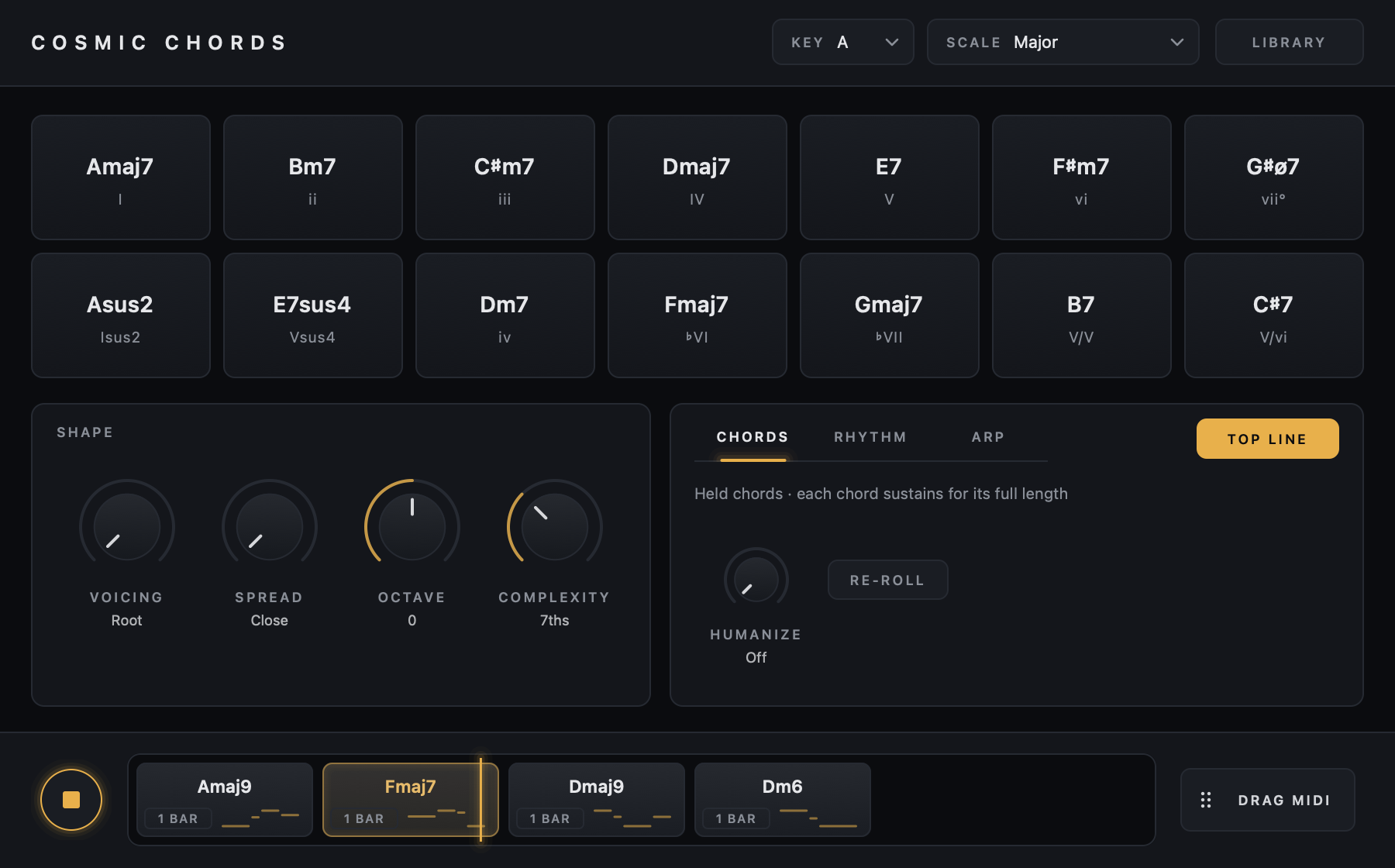
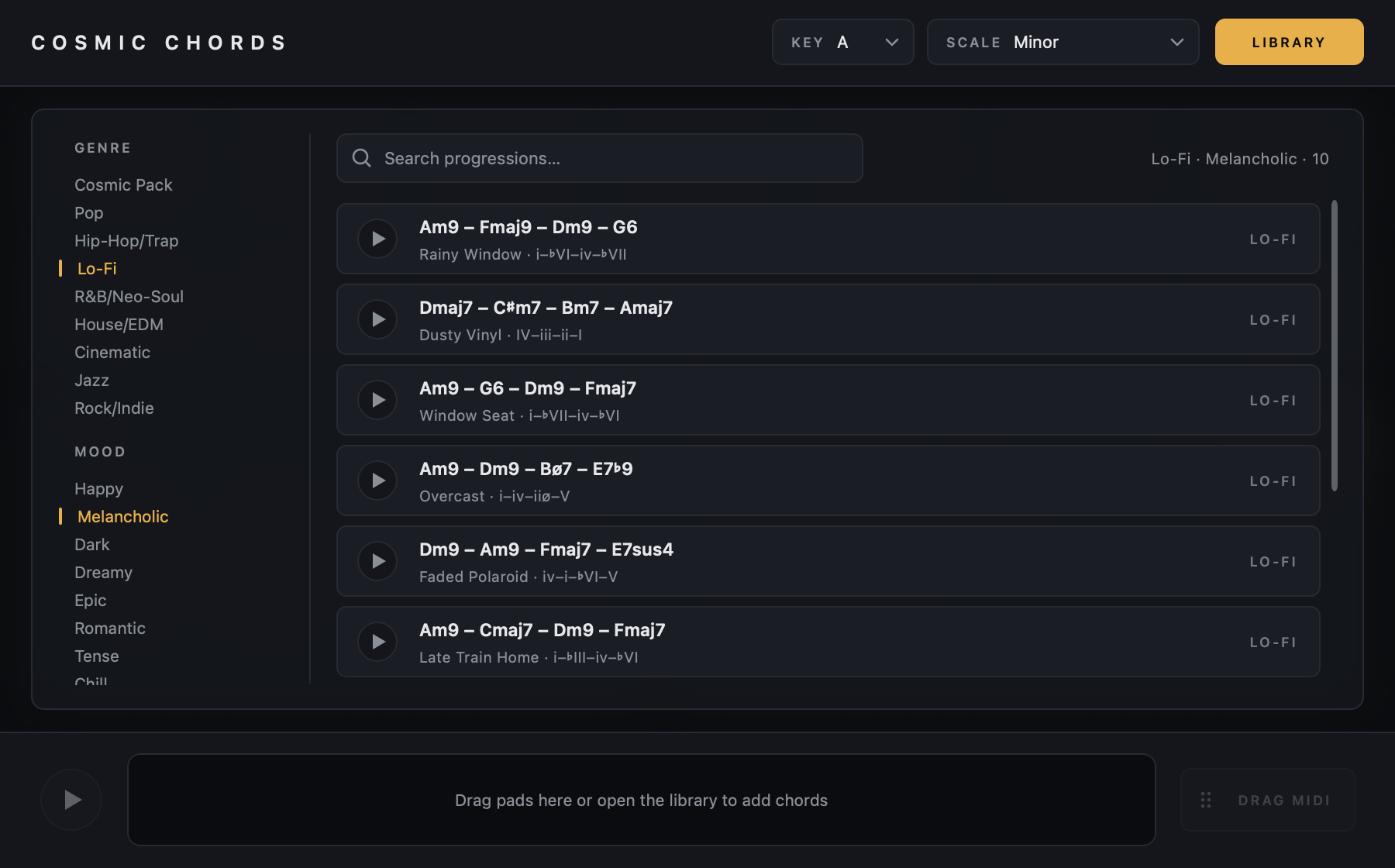
220 progressions, sorted by genre and mood
Pick a genre, a mood, or both, and search by name or chord. Preview any progression before you load it; loading drops it into the strip in your key, ready to edit.
Genres
Moods
Get Cosmic Chords
Free
Download Cosmic Chords 1.1- Audio Unit MIDI FX for Logic Pro
- macOS 11 or later
- Apple Silicon and Intel
- ZIP, 4.9 MB
Install
- Quit Logic Pro and unzip the download.
- Copy
CosmicChords.componentto~/Library/Audio/Plug-Ins/Components. In Finder, use Go › Go to Folder and paste the path. Had ChordButt before? DeleteChordButt.component: Cosmic Chords replaces it. - This build isn't notarized by Apple yet, so macOS blocks it until you clear the download flag. In Terminal, run:
xattr -dr com.apple.quarantine ~/Library/Audio/Plug-Ins/Components/CosmicChords.component - Open Logic Pro. On a Software Instrument track, click an empty MIDI FX slot and choose Audio Units › MyPlugins › Cosmic Chords.
Not in the list? Open Logic Pro › Settings › Plug-in Manager, select Cosmic Chords and click Reset & Rescan Selection. No sound while Logic is stopped? Select the track: Logic only runs MIDI FX on the selected or record-enabled track.
Open source
The full source of Cosmic Chords is on GitHub: the C++ and JUCE code, the chord library and the tests. Build it yourself, read how the voicings work, or open an issue if something sounds wrong.
Build it from source:
git clone https://github.com/paloenon/ButtPlugins.git && cd ButtPlugins/CosmicChords && ./build_mac.sh